AI Chatbot PRO
The Pro chatbot answers visitors from your own content, captures leads, opens support tickets, and lets a human take over the conversation in real time.
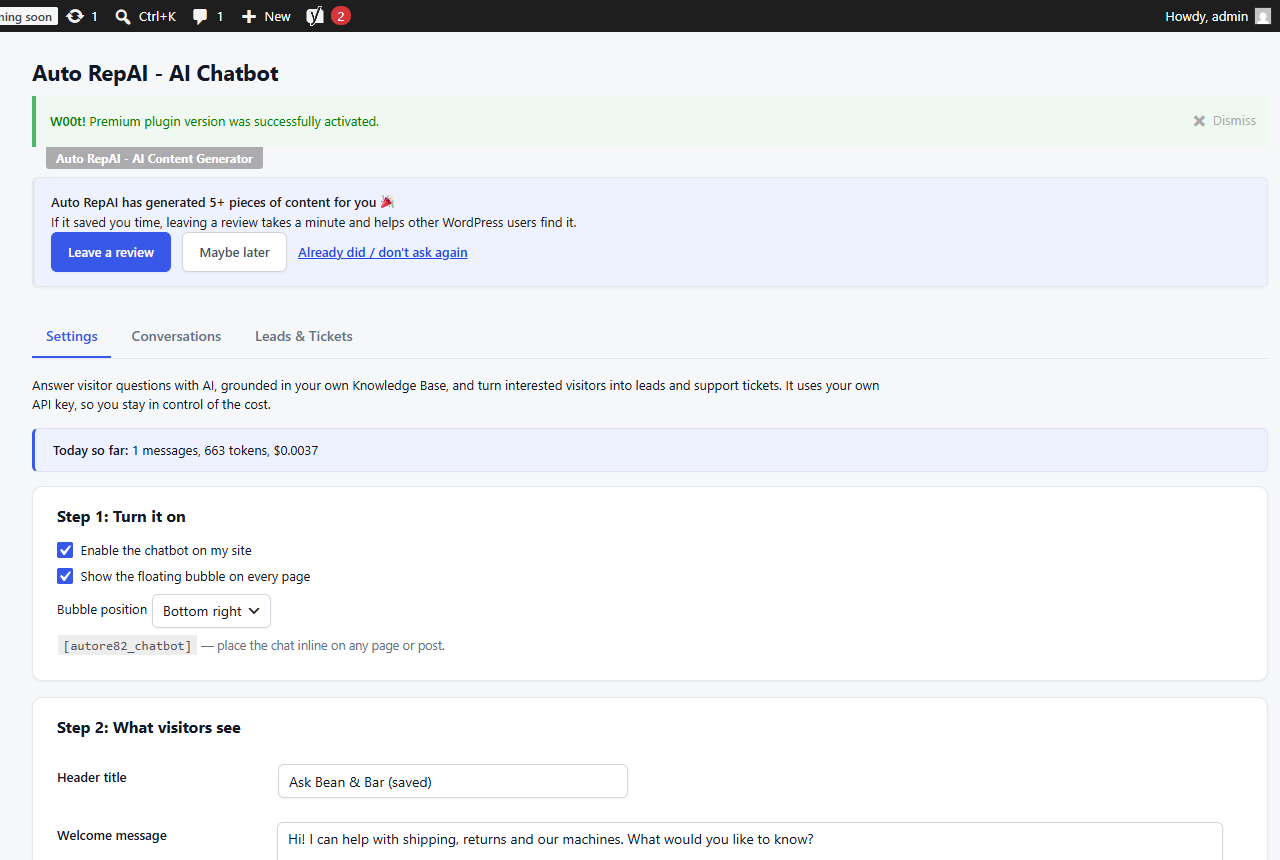
Set it up
- Go to Auto RepAI → AI Chatbot → Settings.
- Write the bot's role and rules (system prompt), pick the provider/model, set the welcome message and widget colors/position.
- Fill your Knowledge Base — the bot grounds every answer in it and refuses to invent prices, policies or shipping details it doesn't know.
- Enable the widget site-wide, or embed it inline on a page with the chat shortcode.
Leads and tickets
- If a visitor types an email address, it's saved as a lead automatically (with the conversation attached) and you're notified.
- The "talk to a human" flow opens a support ticket with a reference number (e.g.
TKT-20260803-6E1F3) and the full transcript; duplicate submissions are throttled. - Everything lands in Lead Management.
Live agent takeover
When a visitor asks for a human, the conversation appears under AI Chatbot → Conversations → 🔴 Live conversations. Reply from your dashboard and the visitor sees your messages in the widget within seconds — a real-time human handoff without any external live-chat service.
WhatsApp hand-off
Add your WhatsApp number in settings and the handoff panel shows a green "Continue on WhatsApp" button (the visitor initiates the chat — you never message first).
Cost & abuse protection
- Daily budget — when the bot's daily AI spend cap is hit, visitors get your friendly offline message + the contact form instead of an AI answer, and you're emailed once.
- Rate limiting per IP, same-origin checks, honeypot — bots and abuse can't burn your credits.
- Off means off: disabling the chatbot removes the widget and its assets entirely from the site.
Privacy
Conversations are stored on your site (and are covered by the plugin's GDPR export/erase integration). Visitor messages go to your AI provider only — see External services.