AI Visibility (GEO) FREE
People increasingly ask ChatGPT, Perplexity and Gemini instead of searching. Generative Engine Optimization (GEO) is about making your content quotable by those AI answers. Auto RepAI scores exactly that.
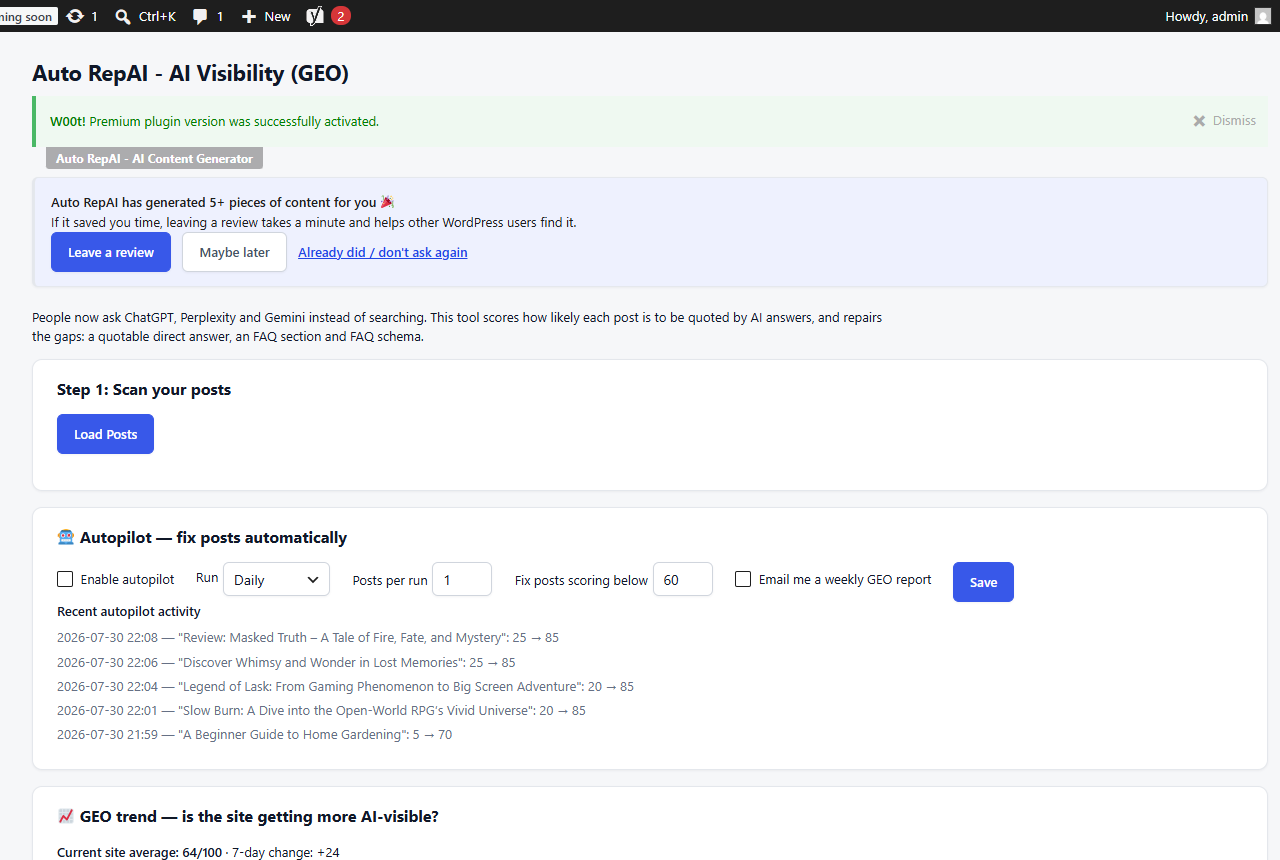
Scan your posts
- Go to Auto RepAI → AI Visibility.
- Click Load Posts, then Scan per post (or Scan All).
- Each post gets a 0–100 score with its missing pieces listed:
- a quotable direct-answer opening,
- an FAQ section,
- FAQ schema (structured data),
- scannable structure.
The score also appears as a column in your posts list, so you always see GEO health at a glance.
Read the score
| Score | Meaning |
|---|---|
| 80–100 | Quotable — AI answers can lift a clean answer from the post |
| 50–79 | Partial — some elements missing |
| 0–49 | Invisible to AI answers — needs work |
Fix with AI PRO
Pro repairs a post in one click: it writes a 40–70-word direct answer at the top, appends a four-question FAQ section built from the post, and attaches FAQPage schema — then rescores. The autopilot does this on a schedule for your weakest posts, and the Citation Check actually asks an AI assistant your post's question and reports whether your site gets cited.
Track the trend PRO
Pro records a daily snapshot of your site-wide GEO score and charts it on this page (with 7-day and 28-day deltas). The white-label report includes the 28-day change — proof for clients that the work moves the needle.
Pair your scans with the one-click llms.txt generator so AI crawlers know what your site is about.