WooCommerce AI FREE scanner PRO writer
Thin product descriptions lose twice: Google ranks them lower and AI shopping answers skip them. Auto RepAI → WooCommerce AI finds the problem and (with Pro) fixes it at catalog scale.
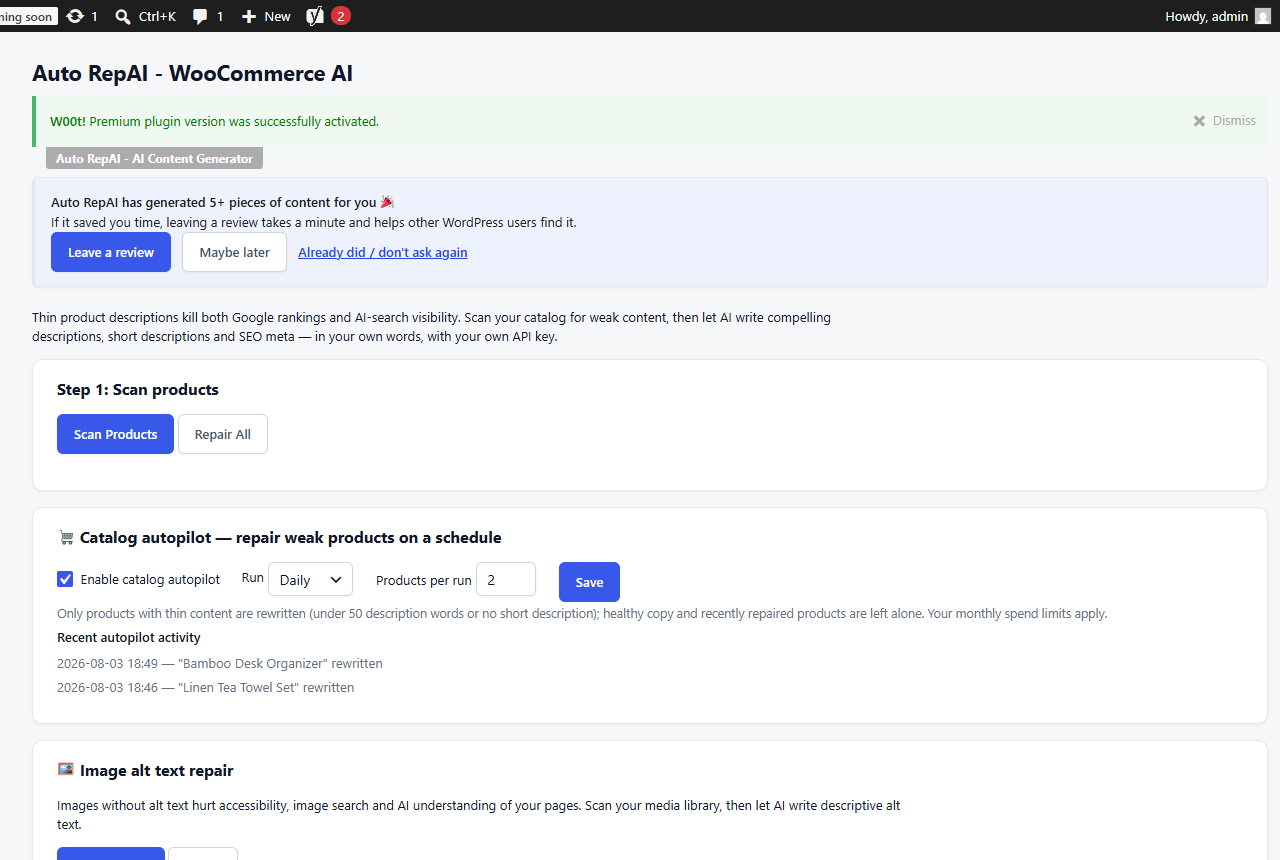
Scan your catalog (free)
- Go to Auto RepAI → WooCommerce AI (requires WooCommerce active).
- Click Scan Products.
- Every product is listed with its word count and issues:
- description under 50 words,
- missing short description,
- missing SEO meta description.
You get the exact count of products losing sales to thin content.
Write with AI PRO
Per product, Pro writes in one click:
- a benefits-first long description (120–180 words of clean HTML),
- a punchy short description,
- a click-worthy meta description (written into your SEO plugin),
- product tags.
The copy is grounded in real product data — SKU, price, stock status, weight, dimensions and attributes are fed to the model with the instruction to never invent specifications.
Repair All queues every weak product sequentially (with a cost-estimate confirmation first) so a big catalog never times out.
Catalog autopilot PRO
Turn on the catalog autopilot and Auto RepAI keeps the catalog healthy hands-free:
- Enable it on the WooCommerce AI page, choose daily or weekly and products per run (1–10).
- Each run finds products with thin content, rewrites them, and logs the activity on the page.
- Healthy copy is left alone, recently repaired products are skipped for 30 days, and your monthly spend limits always apply. If the AI provider errors, the run stops rather than burn credits.
Start with a manual Repair All to fix the backlog, then let the autopilot maintain it.