Auto Repair FREE
Auto Repair is the heart of the plugin: instead of only writing new posts, it fixes the ones you already have — usually your fastest SEO win.
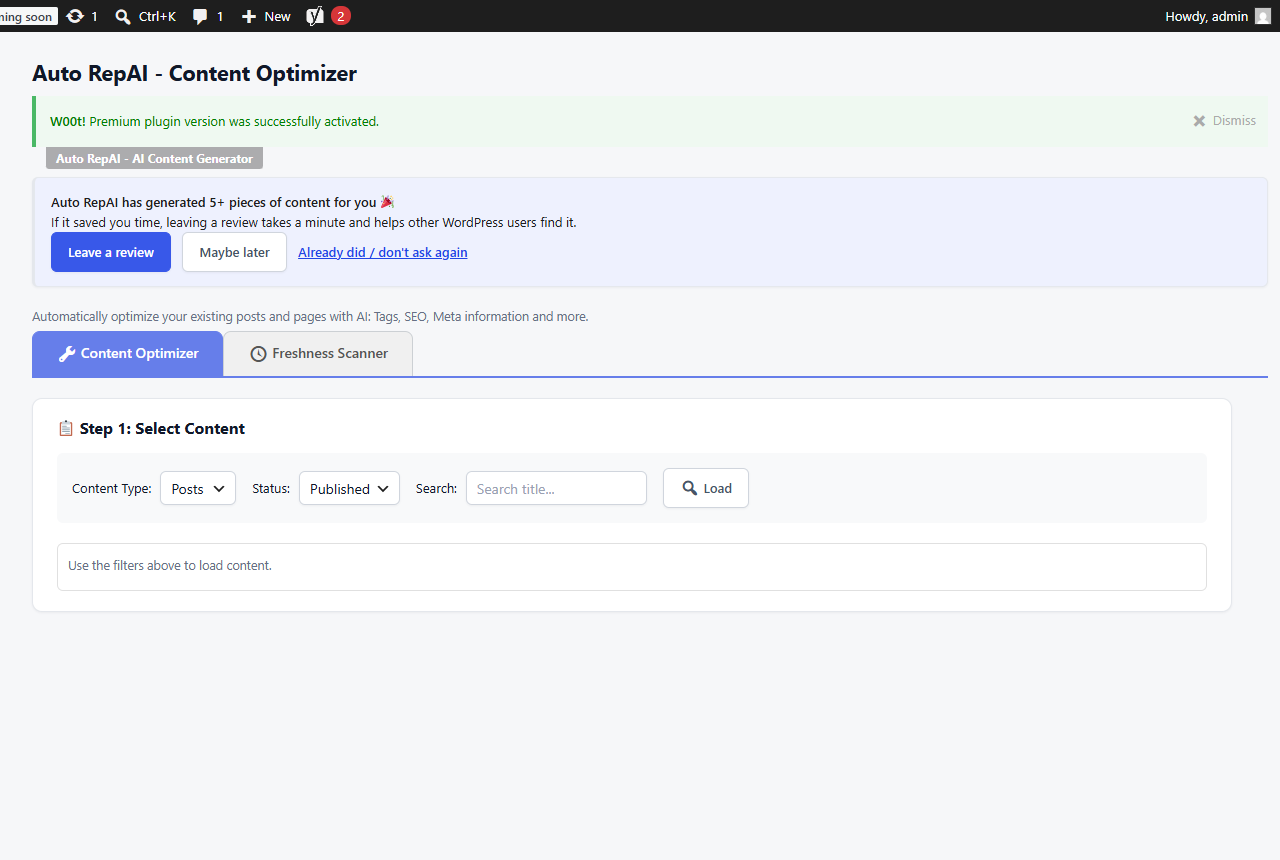
The Auto Repair screen
Auto RepAI → Auto Repair works on any published post or page:
- Pick posts — load your content list and select what to repair.
- Choose repair modes — grammar & spelling, readability, SEO optimization, structure, engagement.
- Analyze — the AI reads the post and proposes concrete changes with a before/after view.
- Apply — accepted suggestions are written back to the post. Tags, categories, excerpt, meta description and slug can be updated too.
- Optional extras per repair:
- Featured image generation.
- Convert to audio — narrate the post with OpenAI text-to-speech (voice, speed and player position are configurable; the player is embedded in the post and announced with AudioObject schema).
Freshness scanner
The Freshness tab finds stale content: old dates, superseded facts, "last updated" gaps. Run the quick scan (no AI cost) or the AI scan for deeper judgment, then send flagged posts through repair.
In-editor repair panel
Open any post in the editor and scroll below the content: the Full Page Optimization panel repairs the post in place (works in both Classic and Gutenberg). Choose a repair mode, click repair, and the editor content updates — no copy-paste.
Page Repair with a source URL
Give the panel a source URL and Auto RepAI fetches that page (from your server) and uses it as reference material while repairing — handy when repairing against documentation or a canonical source you trust.
Pro repairs content hands-free: the AI Visibility autopilot fixes your weakest posts on a schedule and Automations refreshes old content on rotation.